Skip to content
NoahOSBoot OS

Run your robot fleet from the browser

NoahOS lists every robot, poses each one joint by joint on a 3D twin, and goes live against a MuJoCo simulation that streams telemetry and camera video back. Open source, running on Cloudflare.

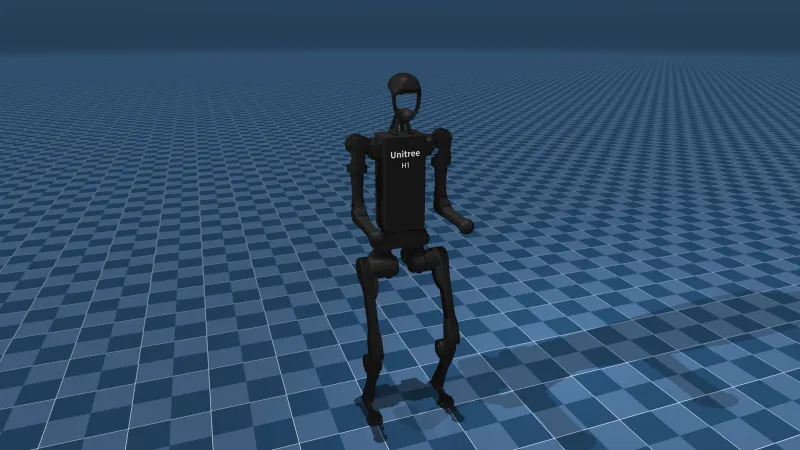
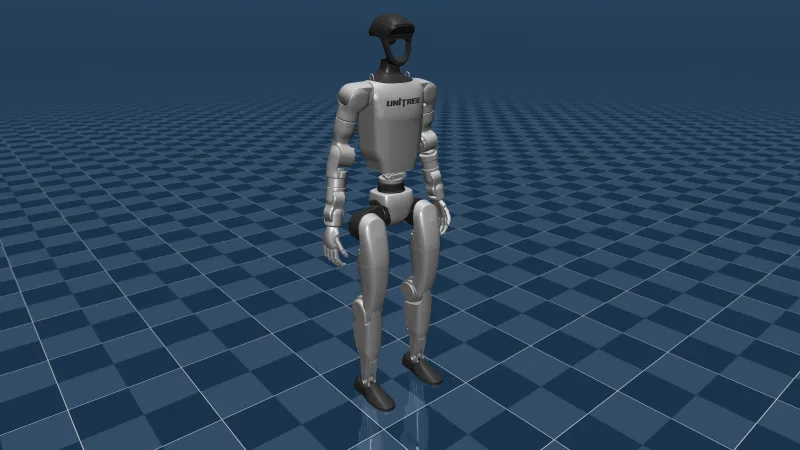
Unitree G1 Control page: the left elbow turns red at its joint limit.
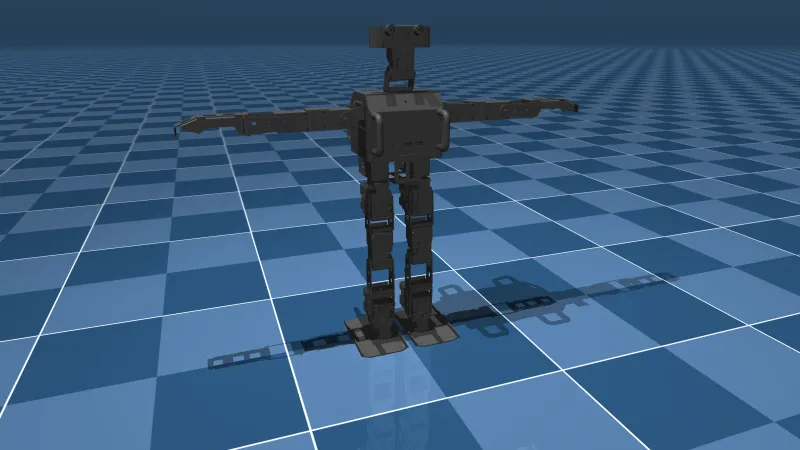
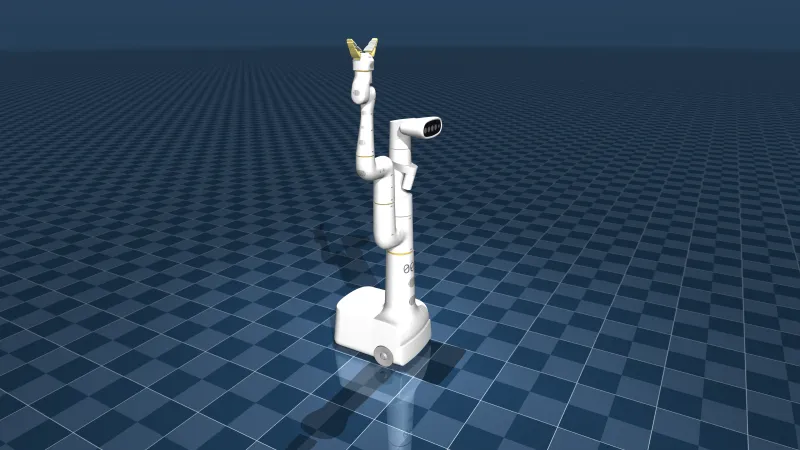
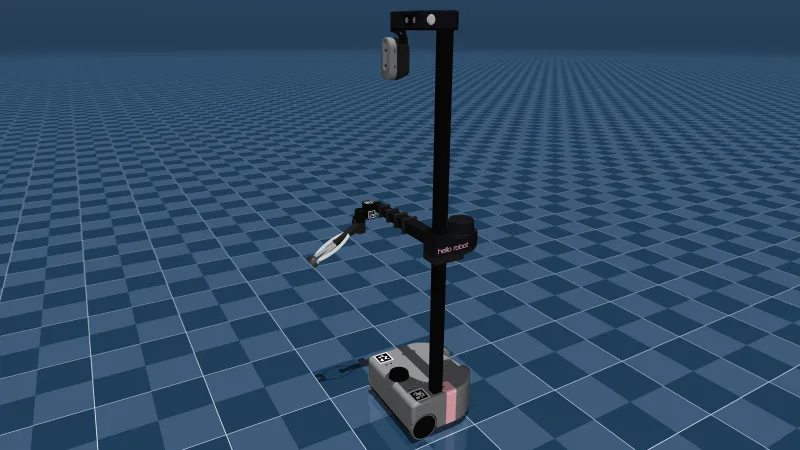
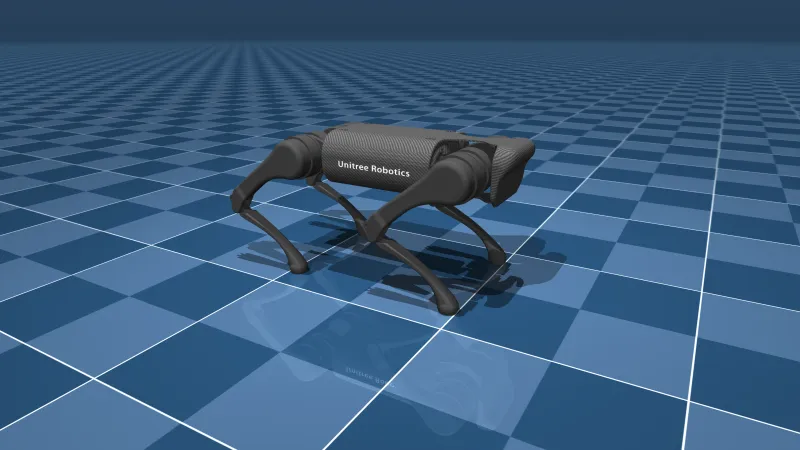
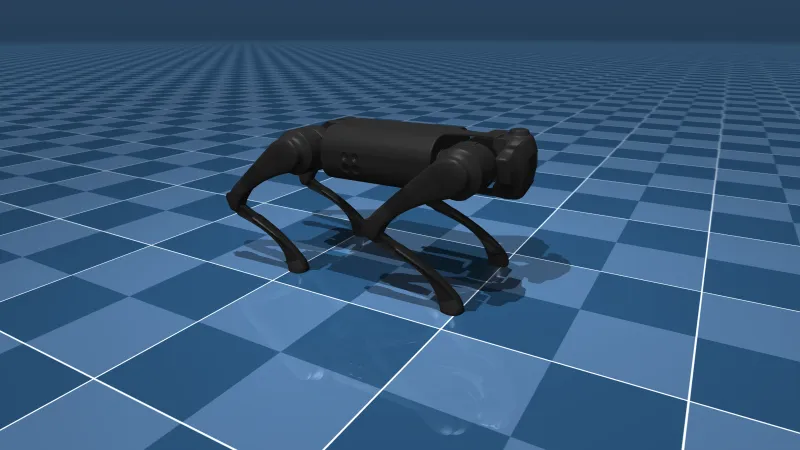
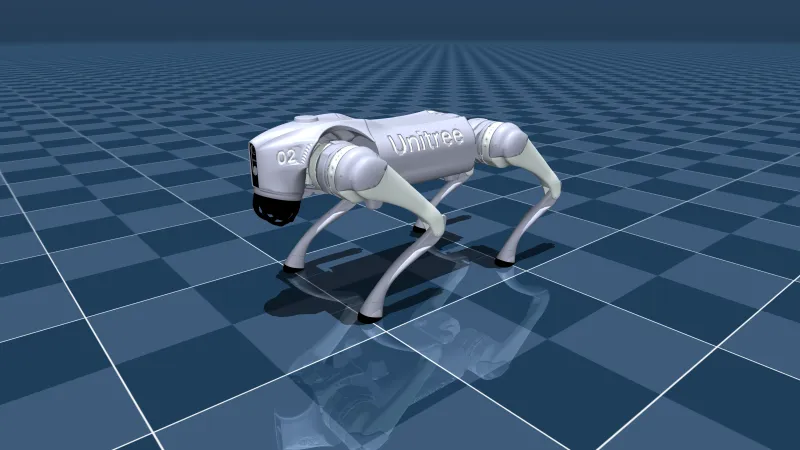
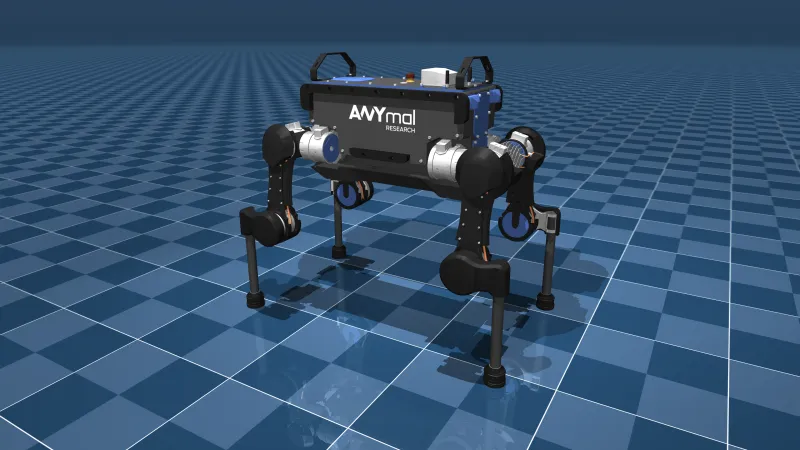
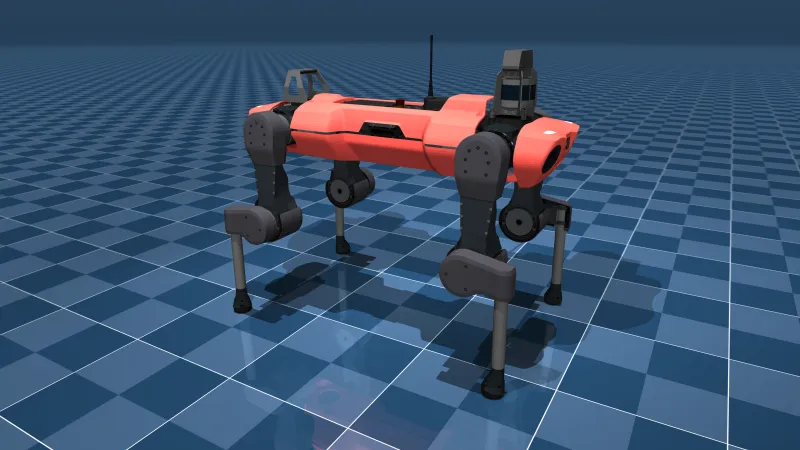
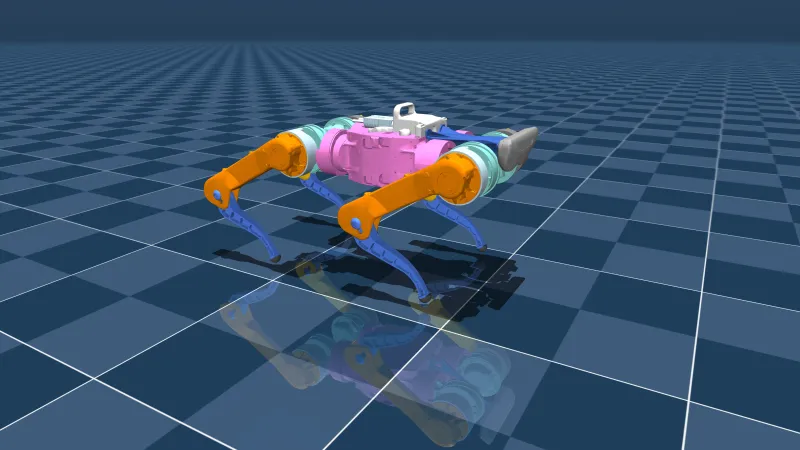
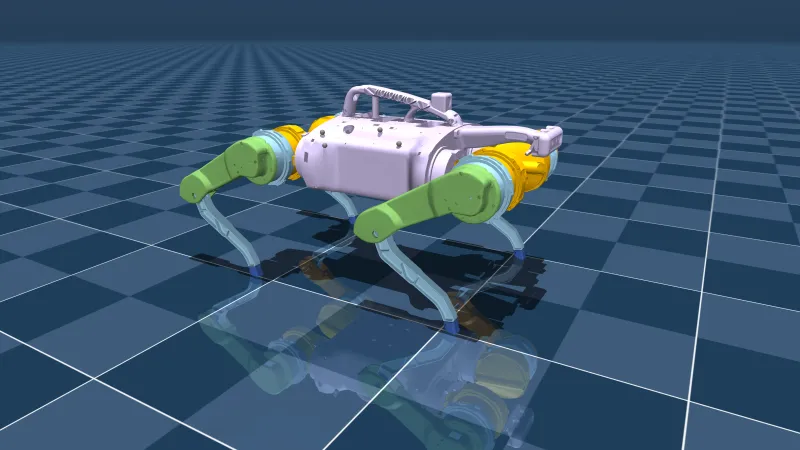
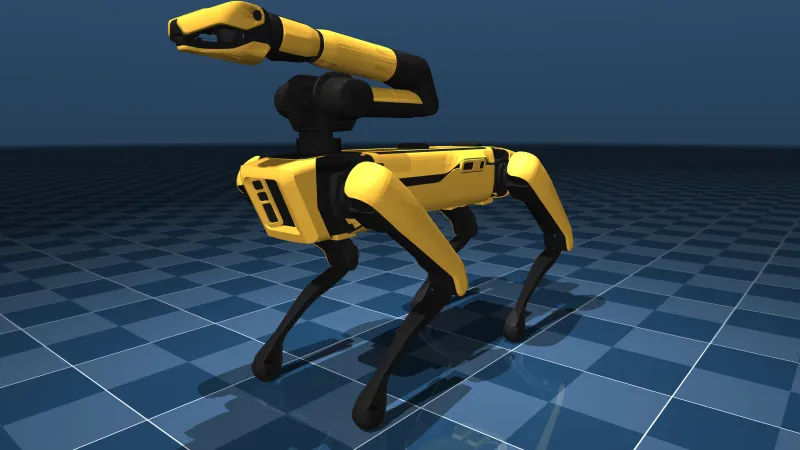
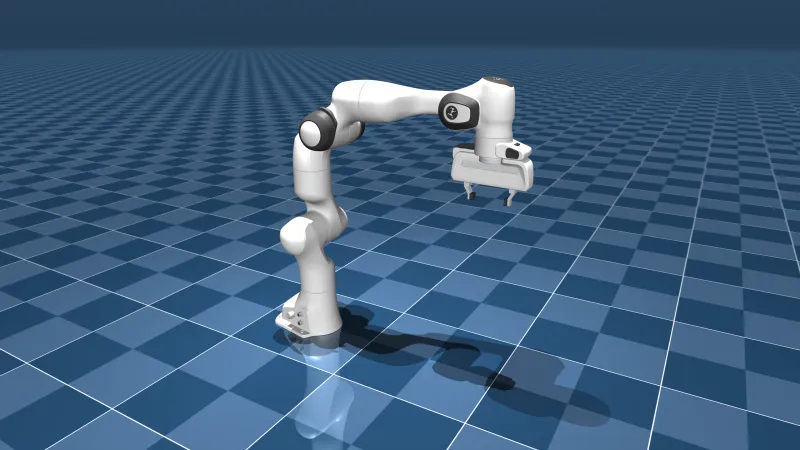
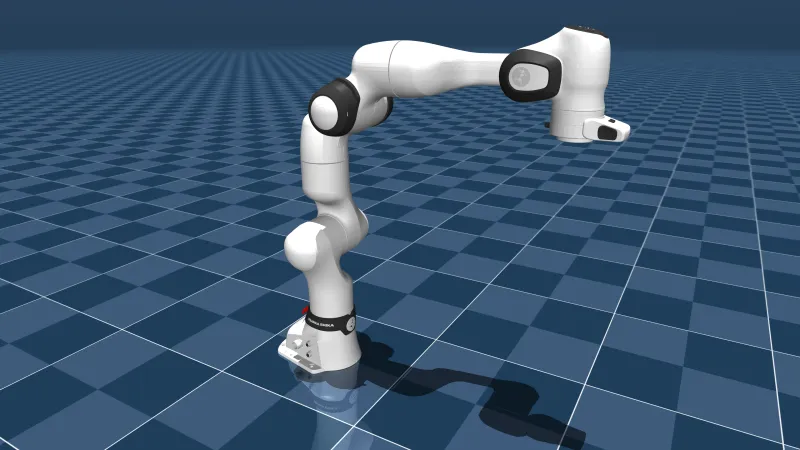
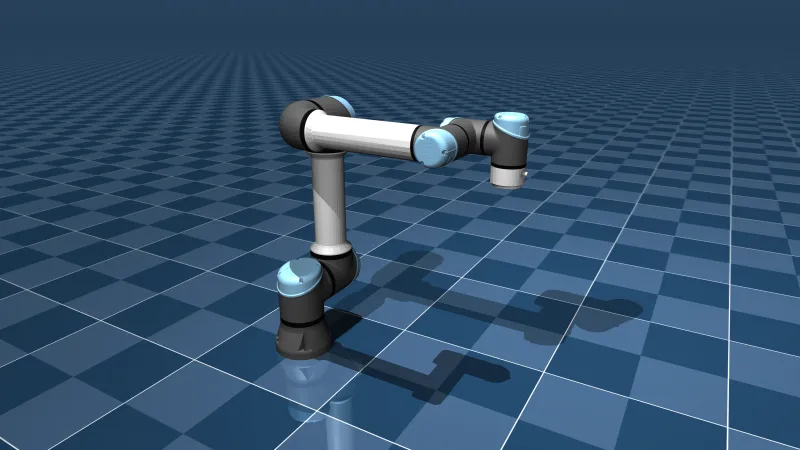
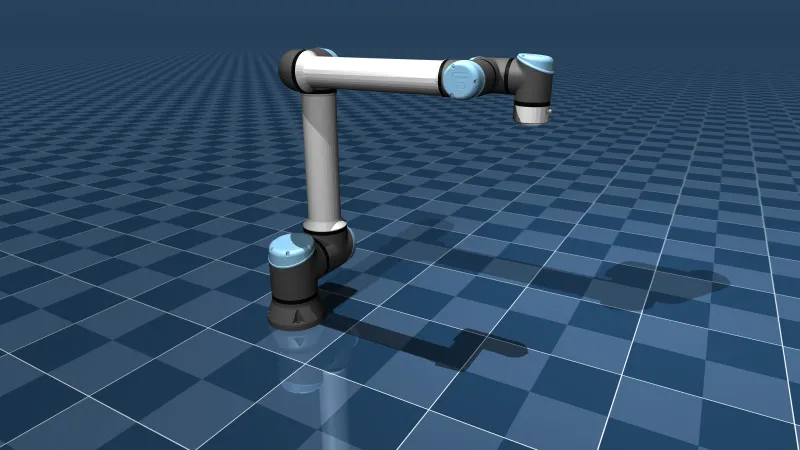
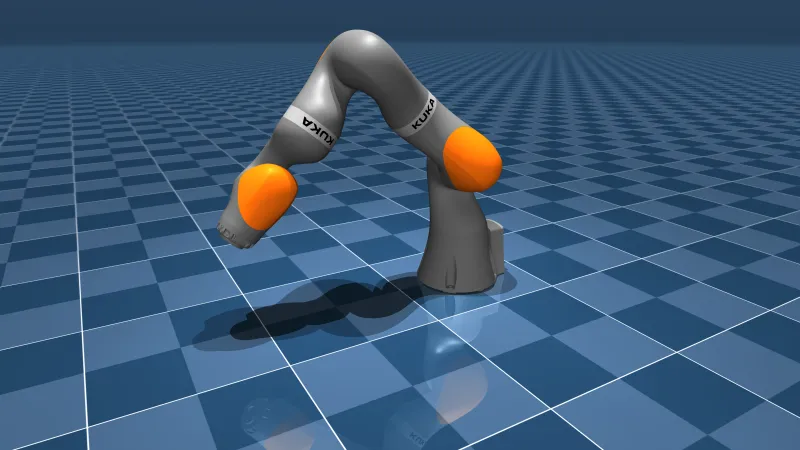
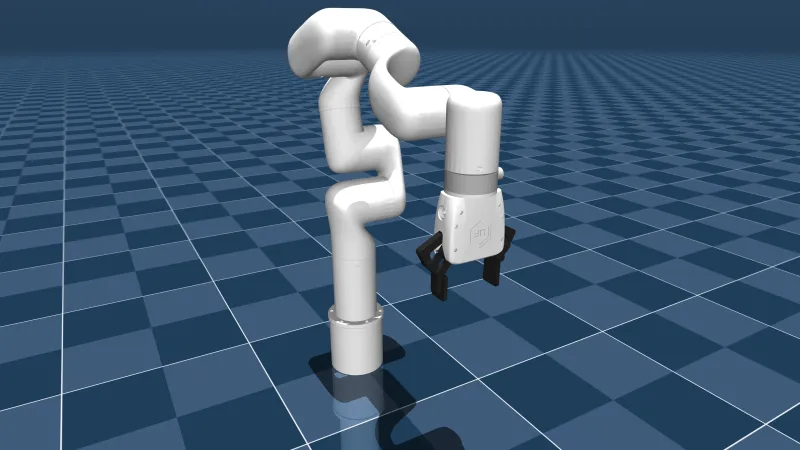
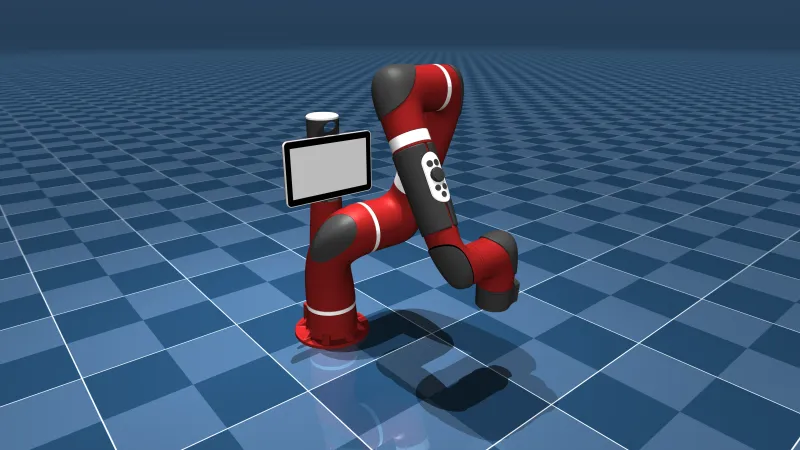
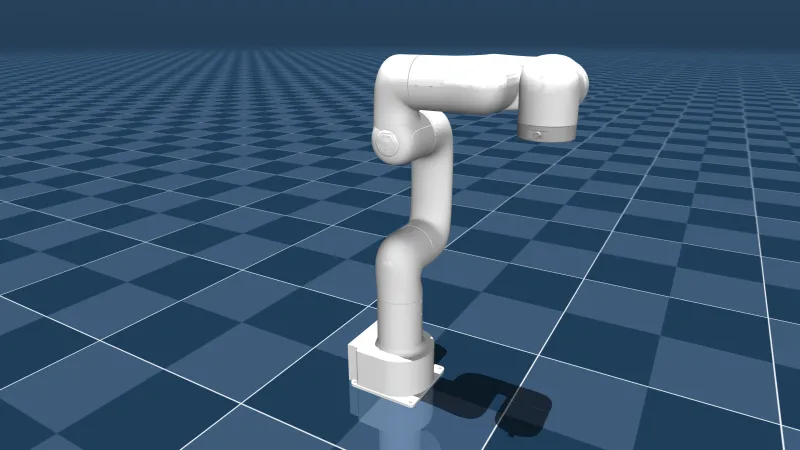
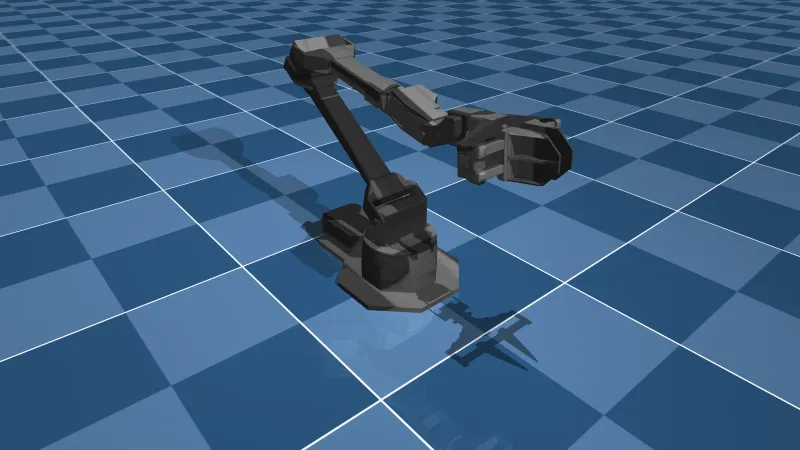
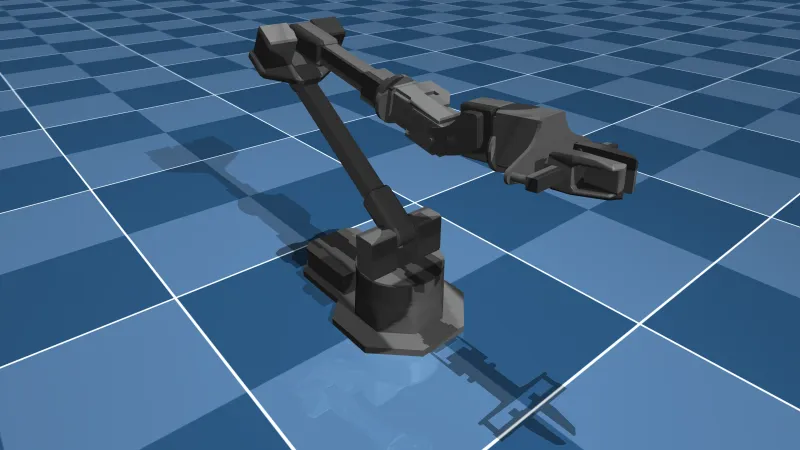
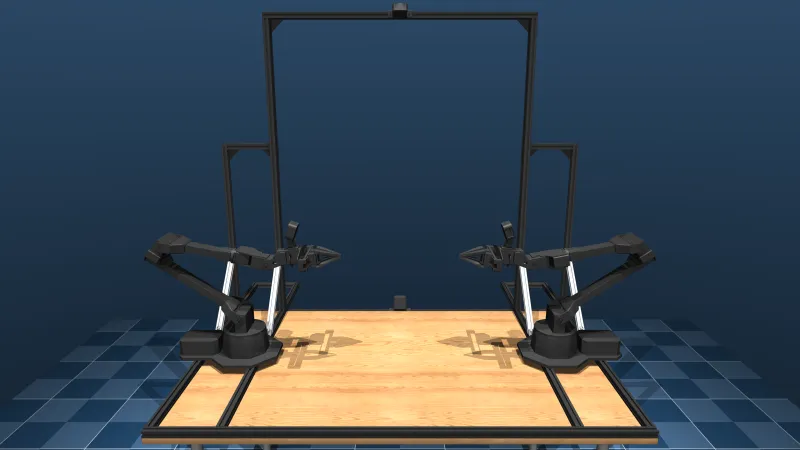
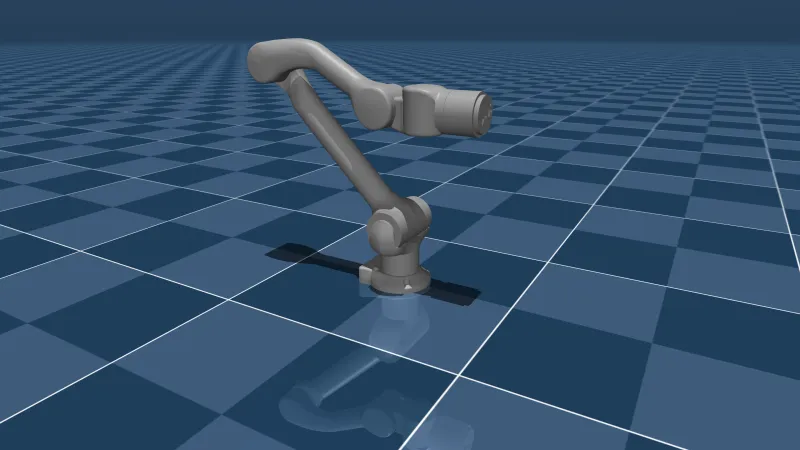
  • 25 robotsHumanoids, quadrupeds, arms and mobile manipulators from MuJoCo Menagerie.
  • Telemetry at 60 HzJoint positions, torques, power and battery over one binary WebSocket.
  • Stop for every roleOne click, no confirmation, and never a round trip through the model.

Every robot, one console

Watch the fleet, pose a twin, run a policy, and hand the console to an assistant that clicks the same controls you do.

Drive it in plain language

Ask the assistant to open a robot, set a joint, go live or play a policy. It acts through the same tools the page uses, shows each step with its input and result, and can never move a robot the operator rules would not allow.

How the assistant works
Find what needs attention

Filter the fleet by status, site, battery, type and operator. Every reading shows how old it is.

Go live against MuJoCo

Each robot gets its own simulation. Play Joint sweep on any robot, or Joystick walk on the Go1 and G1, and watch its cameras over WebRTC.

Put the twin in your room

The visionOS app opens a robot as a volume on Apple Vision Pro. Pair it with the Control page in Safari and both act as one operator.

25 robots, ready to drive

Each robot is a different MuJoCo Menagerie model, with its own live simulation. Pick one to open its Control page.

Built for robots that work near people

  • One operator per robot

    The first browser to go live holds the operator lock. Everyone else watches the live pose until control is free.

  • Stop is one click for everyone

    Viewers can stop a robot as well as operators. Stop freezes the pose at once and asks for no confirmation.

  • Joints move only in Manual hold

    While a policy plays, joints are locked. The relay and the simulation both refuse joint targets outside Manual hold.

Ready to boot?

Create an account, open the activation link we email you, and the fleet is yours to drive.

Run it locally

Docker, pnpm and uv. The simulation runs on port 8000 and the console on port 3000.

Setup guide

Read the design

Transport choices, latency budget, security model and deployment, in one document.

STACK.md